Stop the Breakage on Your SIG Blomax PC Lines
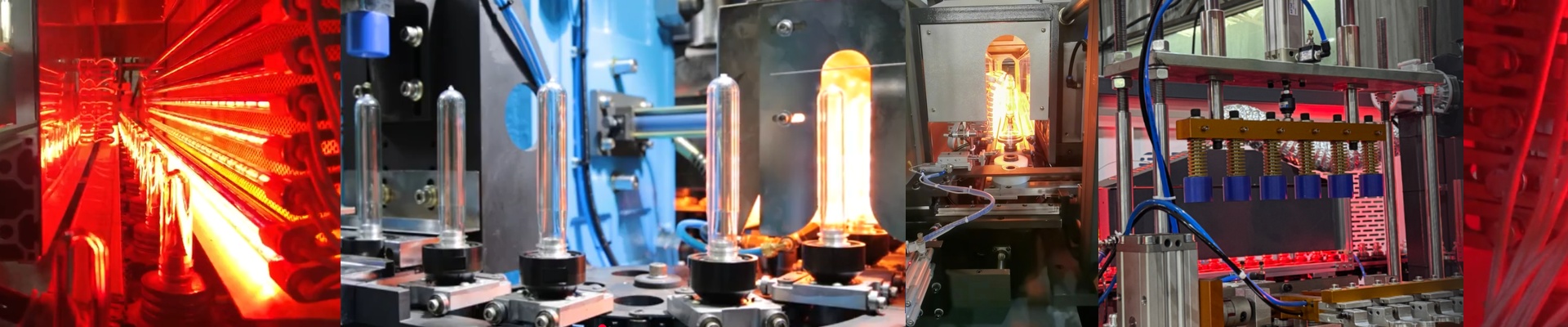
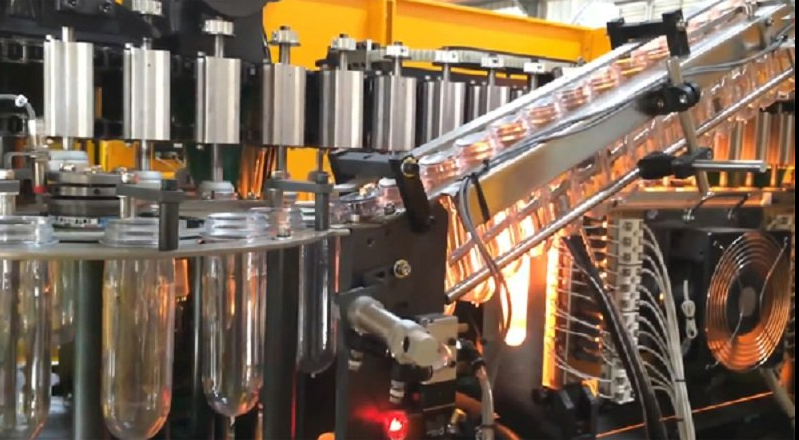
If you’re running PC preforms on a SIG Blomax line and your tubes keep snapping, you’re probably dealing with thermal shock or just plain old fatigue. PC isn’t like PET. It needs its own specific infrared profile to get soft enough to blow without scorching the surface. If the heat isn’t just right, things go south quickly.
Fixing the “Burn Out”
We looked at why the standard lamps were failing. Usually, it happens at the pinch point or the electrode seal—basically, the machine vibrates at high speeds, and the lamps just can’t take the stress. So, we changed the build. We used a modified quartz envelope and beefed up the seals to stop those annoying burn-outs you see with the OEM parts. The best part? They’re drop-in replacements. They fit exactly where your old ones did. We spent a lot of time on the electrode stability so the lamp stays put, even when the heat makes the material expand.
A Few Things to Keep in Mind
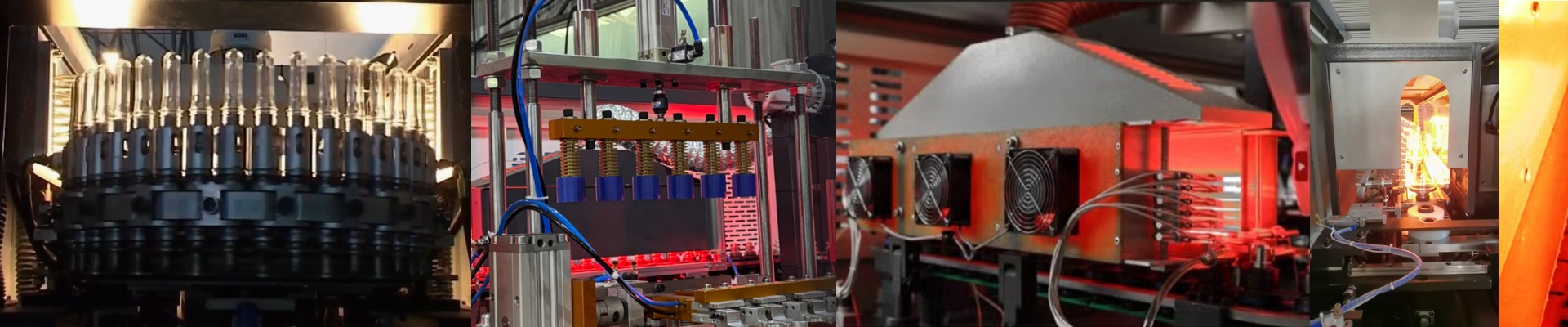
These lamps pack a punch. They use high-wattage density to get your PC preforms to that glass transition temperature fast. But here’s the catch: because the quartz is stronger, the thermal inertia is a bit different. You might find you need to tweak your oven timing by a few milliseconds. It’s a small adjustment, but it makes a difference in the heat-up curve.
Getting Them Running
Just use your original SIG connectors and you’re good to go. We used high-purity quartz for a reason—it keeps the shortwave IR moving. That means the heat actually gets deep into the thick walls of the PC preform instead of just warming up the air around it. One last tip:Keep your reflectors clean. It doesn’t matter how tough the lamp is; if your reflectors are oxidized, the heat bounces back and bakes the lamp envelope. That’s a shortcut to premature failure. Same goes for your cooling fans. If they’re clogged with dust, your socket temperatures will spike, and no amount of build quality can save the lamp from that.