Stop Fighting Your SIPA Rotary Machine’s Heat
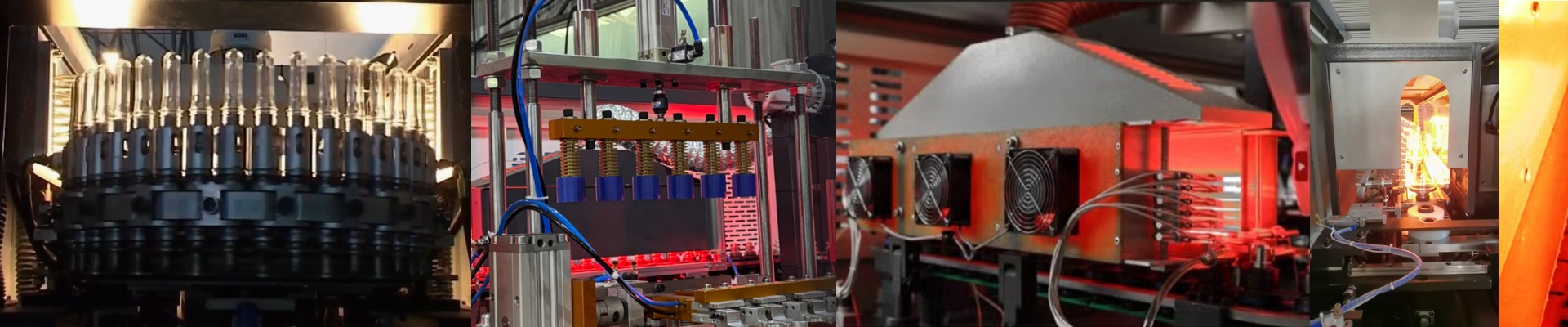
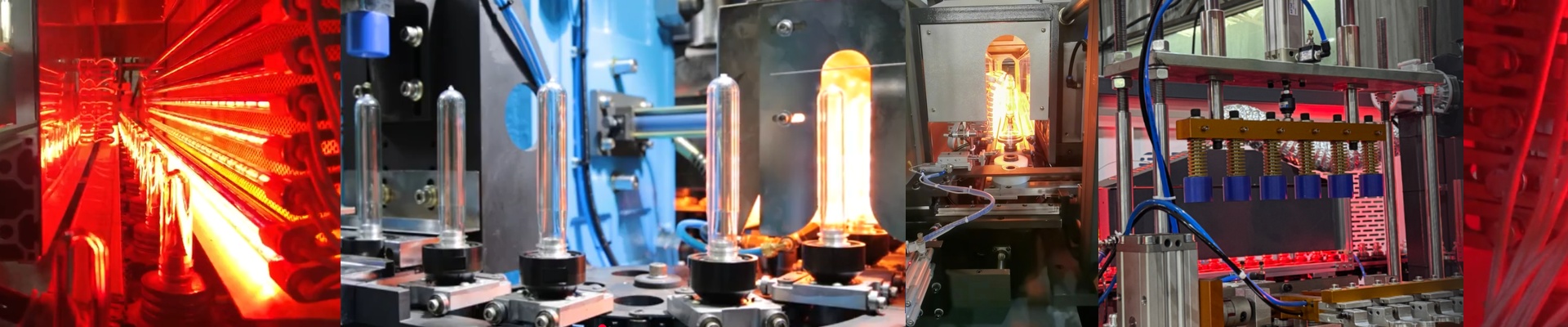
Ever feel like you’re playing a guessing game with your oven settings? You’re running your SIPA rotary, but the heat just isn’t hitting right. One part of the preform is perfect, another is cold, and suddenly you’re dealing with wall thickness issues or—worst case—bottles bursting on the line. It’s frustrating. Usually, the culprit is something small: the replacement lamps. Here’s the thing. If you toss in a lamp that’s even slightly off from the original OEM power specs, you’ve just created a hot or cold spot in your oven. It doesn’t sound like much, but in the world of PET blowing, a difference of 50W can ruin your entire temperature profile. That’s why we obsess over power matching. We build our lamps to hit those exact voltage and wattage numbers. When the power is consistent, the infrared wave hits the resin at the same rate every single time. You get a stable melt. No more spending your shift constantly tweaking the oven just to keep things steady. The gear itself is pretty straightforward. We use high-purity quartz glass because these things take a beating with rapid heating and cooling. They’re shortwave infrared lamps, so they pack the heat density you need. Plus, they’re simple drop-in replacements. You won’t have to mess with your wiring or modify your heating bank. You just pop them in and get back to work. But a quick heads-up: high-wattage lamps are great for fast cycle times, but they put more pressure on your cooling blowers. If your vents are clogged or your fans are struggling, you’ll overheat the oven housing and burn through your lamps way faster than you should. Keep those blowers clean. When you’re ready to swap them out, do it during your scheduled downtime. Give the contacts a good clean to stop any arcing at the terminals. Once the whole rotary bank is matched up, everything just… works. The preforms heat evenly, your scrap rate drops, and you can actually stop worrying about the oven for a while.